


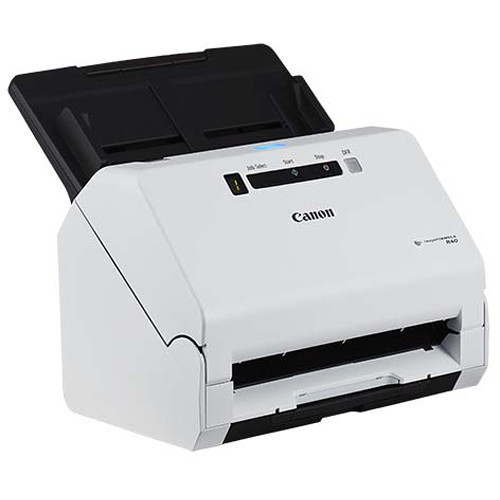
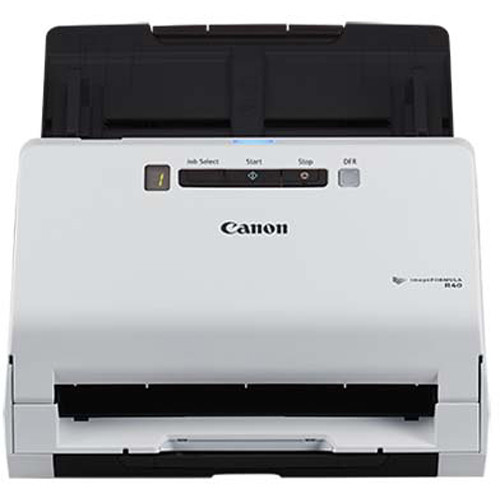
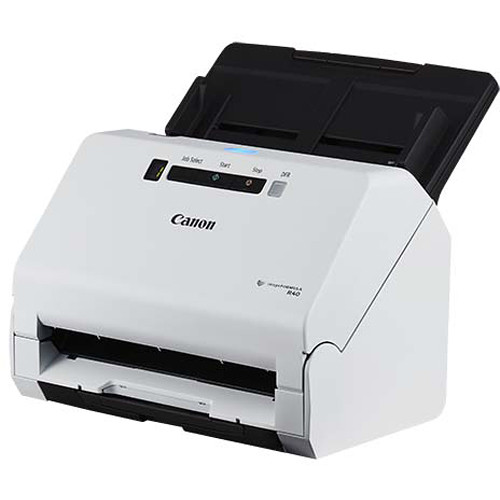
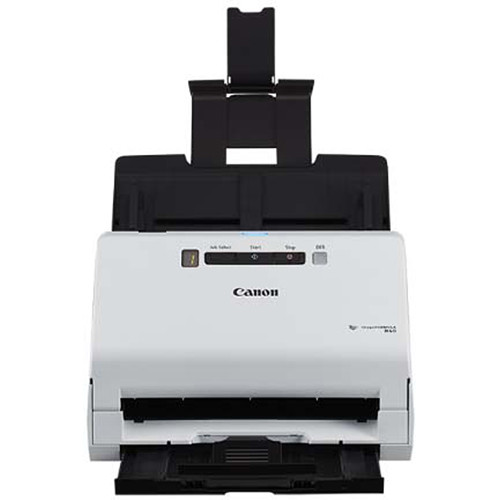
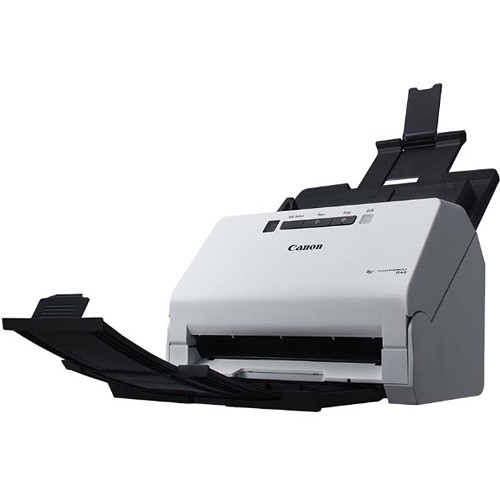
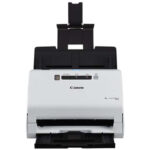
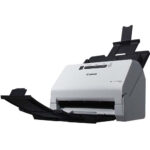
Canon ImageFormula R40 Receipt Edition Office Document Scanner
El precio original era: $1.213.899.$1.017.699El precio actual es: $1.017.699.
Canon ImageFormula R40 Receipt Edition Office Document Scanner
- Automated Scanning to QuickBooks Online
- Scan/Read/Upload Batches of Receipts
- Extract Receipt Contents
- Automatically Upload Receipt Information
The ImageFormula R40 Receipt Edition Office Document Scanner from Canon is designed with the drivers and firmware to allow automated scanning to QuickBooks Online. A QuickBooks Online account is required. Along with the scanner, you’ll receive an access key that links the scanner with your QuickBooks Online account. Then you’ll be able to perform several automated functions. You can quickly scan, read, and directly upload batches of business receipts to QuickBooks Online. Scan batches of receipts, extract receipt contents such as payee, amount, date, and other information, and automatically upload receipt information. In comparison, the standard R40 scanner either doesn’t support some of these functions or offers manual versions of them. For example, the R40 Receipt Edition has the premium version of the Scan to QuickBooks tool. Other than these several auto features, the R40 Receipt Edition is capable of performing all the same functions of the standard R40. It allows you to quickly convert paper documents into searchable digital files. Featuring a 60-page automatic document feeder (ADF) and a top scanning speed of 40 pages per minute, it allows you to scan large stacks of paper quickly and easily. One-click scanning features make it simple to scan receipts, contracts, photos, business cards, and almost any other document you might have, and if you find yourself doing the same task over and over, you can program up to nine shortcuts to simplify your actions. You can scan and save documents in almost any digital format, including PDF and JPG.
Bajo Pedido - Disponible para reserva - Llega en aproximadamente 15 a 20 días hábiles
Valor por transferencia (Precio en Rojo) - Débito/Crédito (6 cuotas s/interés): Precio tachado
6 Cuotas fijas de $215.413
3 Cuotas fijas de $393.510
Abonando en efectivo en nuestras oficinas te queda en $956.599 o USD644.
Descripción
The Rock Store te trae Canon ImageFormula R40 Receipt Edition Office Document Scanner
Sus características técnicas principales son:
The ImageFormula R40 Receipt Edition Office Document Scanner from Canon is designed with the drivers and firmware to allow automated scanning to QuickBooks Online. A QuickBooks Online account is required. Along with the scanner, you’ll receive an access key that links the scanner with your QuickBooks Online account. Then you’ll be able to perform several automated functions. You can quickly scan, read, and directly upload batches of business receipts to QuickBooks Online. Scan batches of receipts, extract receipt contents such as payee, amount, date, and other information, and automatically upload receipt information. In comparison, the standard R40 scanner either doesn’t support some of these functions or offers manual versions of them. For example, the R40 Receipt Edition has the premium version of the Scan to QuickBooks tool.
Other than these several auto features, the R40 Receipt Edition is capable of performing all the same functions of the standard R40. It allows you to quickly convert paper documents into searchable digital files. Featuring a 60-page automatic document feeder (ADF) and a top scanning speed of 40 pages per minute, it allows you to scan large stacks of paper quickly and easily. One-click scanning features make it simple to scan receipts, contracts, photos, business cards, and almost any other document you might have, and if you find yourself doing the same task over and over, you can program up to nine shortcuts to simplify your actions. You can scan and save documents in almost any digital format, including PDF and JPG.
R40 Receipt Edition Auto Features
- Scan to QuickBooks Online (premium version included)
- Auto extraction of receipt contents
- Auto field detection
- Batch upload to QuickBooks Online
- Field selection for display
Aviso: Las especificaciones y disponibilidad pueden cambiar sin previo aviso.
Información adicional
| Peso | 4,8466 kg |
|---|---|
| Dimensiones | 37,846 × 32,004 × 25,654 cm |
| Scanner Type | Automatic Document Feeder (ADF) |
| Scanner Maximum Resolution | 600 dpi (Optical) |
| Scanner Color Depth | 24-Bit (Internal) |
| Power Source | AC Power (Cable Built-In/Included) |
| Type | Automatic Document Feeder (ADF) |
| Maximum Resolution | 600 dpi (Optical) |
| Scan Modes | Color, Grayscale, Monochrome |
| Color Depth | 24-Bit (Internal) |
| Grayscale Depth | 8-Bit (Internal) |
| Light Source | LED |
| Image Sensor | 1x Contact Image Sensor (CIS) |
| Duplex Scanning | Yes |
| Single Pass Duplex | Yes |
| Scan Speed | Simplex Speed – 40 ppm at 200 dpi in Grayscale/Black & White – 30 ppm at 200 dpi in Color Duplex Speed – 80 ipm at 200 dpi in Grayscale/Black & White – 60 ppm at 200 dpi in Color |
| Automatic Image Corrections | Yes |
| File Formats | JPEG, PDF |
| Scan Sizes | ADF – Minimum: 2 x 2.1″ / 5.08 x 5.33 cm – Maximum: 8.5 x 118″ / 21.59 x 299.72 cm |
| Paper Capacity | ADF: – 60x Sheet |
| Multi-Feed Detection | Yes |
| Media Weight | 40 to 205 gsm / 7 to 56 lb |
| Daily Duty Cycle | 4000 Scans |
| Special Media Support | Business Card, Check, Envelope |
| Data I/O | 1x USB-B 2.0 Input |
| Scanner Drivers | TWAIN |
| OS Compatibility | – Windows 10 or Later – / – macOS 11 to 13 |
| Battery | No |
| Input Power | 120 VAC, 60 Hz |
| Power Consumption | 22 W (Maximum) 1.4 W (Sleep) |
| Dimensions (W x H x D) | 11.4 x 9.6 x 9.9″ / 28.96 x 24.38 x 25.15 cm (with Paper Tray Closed) |
| Weight | 6.2 lb / 2.81 kg |
| Package Weight | 10.685 lb |
| Box Dimensions (LxWxH) | 14.9 x 12.6 x 10.1″ |
Productos relacionados
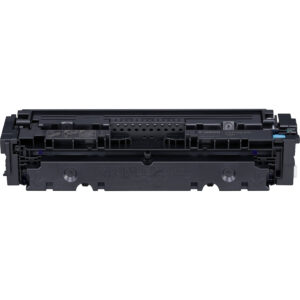
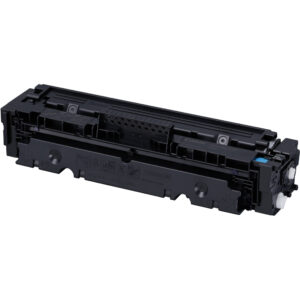
Canon 046 Cyan Standard-Capacity Toner Cartridge
El precio original era: $524.199.$439.399El precio actual es: $439.399.Bajo Pedido - Disponible para reserva - Llega en aproximadamente 15 a 20 días hábiles
Valor por transferencia (Precio en Rojo) - Débito/Crédito (6 cuotas s/interés): Precio tachado
6 Cuotas fijas de $93.006
3 Cuotas fijas de $169.901
Abonando en efectivo en nuestras oficinas te queda en $413.099 o USD278.
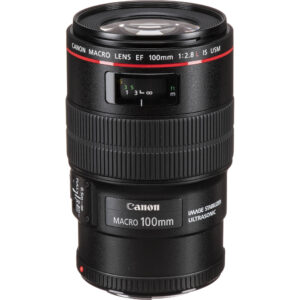
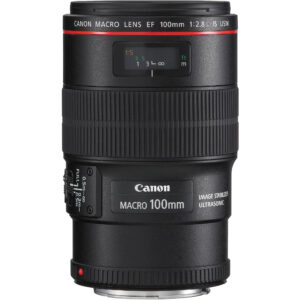
Canon EF 100mm f/2.8L Macro IS USM Lens
El precio original era: $4.611.599.$3.866.199El precio actual es: $3.866.199.Bajo Pedido - Disponible para reserva - Llega en aproximadamente 15 a 20 días hábiles
Valor por transferencia (Precio en Rojo) - Débito/Crédito (6 cuotas s/interés): Precio tachado
6 Cuotas fijas de $818.345
3 Cuotas fijas de $1.494.930
Abonando en efectivo en nuestras oficinas te queda en $3.634.199 o USD2.444.
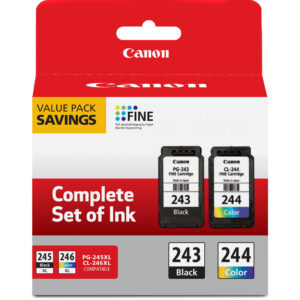
Canon PG-243/CL-244 Value Pack
El precio original era: $162.699.$136.399El precio actual es: $136.399.Bajo Pedido - Disponible para reserva - Llega en aproximadamente 15 a 20 días hábiles
Valor por transferencia (Precio en Rojo) - Débito/Crédito (6 cuotas s/interés): Precio tachado
6 Cuotas fijas de $28.871
3 Cuotas fijas de $52.741
Abonando en efectivo en nuestras oficinas te queda en $128.199 o USD87.
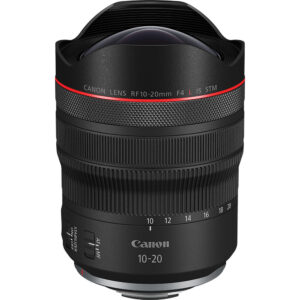
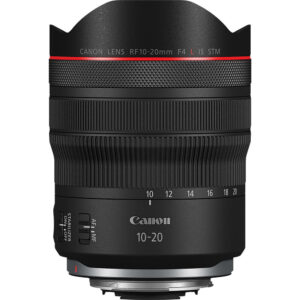
Canon RF 10-20mm f/4 L IS STM Lens (Canon RF)
El precio original era: $8.457.399.$7.090.299El precio actual es: $7.090.299.Bajo Pedido - Disponible para reserva - Llega en aproximadamente 15 a 20 días hábiles
Valor por transferencia (Precio en Rojo) - Débito/Crédito (6 cuotas s/interés): Precio tachado
6 Cuotas fijas de $1.500.780
3 Cuotas fijas de $2.741.582
Abonando en efectivo en nuestras oficinas te queda en $6.664.899 o USD4.481.
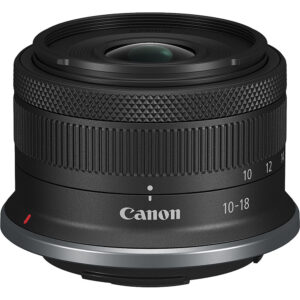
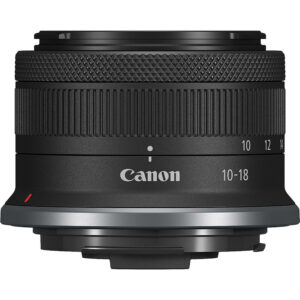
Canon RF-S 10-18mm f/4.5-6.3 IS STM Lens (Canon RF)
El precio original era: $1.013.699.$849.799El precio actual es: $849.799.Bajo Pedido - Disponible para reserva - Llega en aproximadamente 15 a 20 días hábiles
Valor por transferencia (Precio en Rojo) - Débito/Crédito (6 cuotas s/interés): Precio tachado
6 Cuotas fijas de $179.874
3 Cuotas fijas de $328.589
Abonando en efectivo en nuestras oficinas te queda en $798.799 o USD537.
Cartucho de tóner negro de alta capacidad Canon 046
El precio original era: $584.899.$490.299El precio actual es: $490.299.Bajo Pedido - Disponible para reserva - Llega en aproximadamente 15 a 20 días hábiles
Valor por transferencia (Precio en Rojo) - Débito/Crédito (6 cuotas s/interés): Precio tachado
6 Cuotas fijas de $103.780
3 Cuotas fijas de $189.582
Abonando en efectivo en nuestras oficinas te queda en $460.899 o USD310.
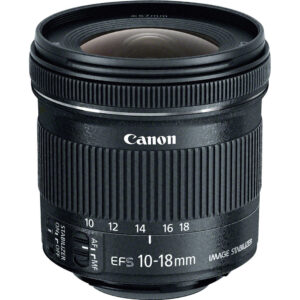
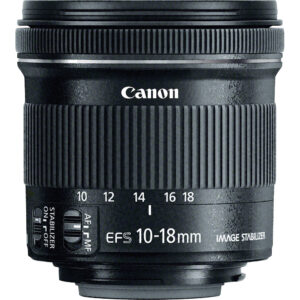
Lente Canon EF-S 10-18 mm f/4.5-5.6 IS STM (reacondicionado)
El precio original era: $806.499.$676.099El precio actual es: $676.099.Bajo Pedido - Disponible para reserva - Llega en aproximadamente 15 a 20 días hábiles
Valor por transferencia (Precio en Rojo) - Débito/Crédito (6 cuotas s/interés): Precio tachado
6 Cuotas fijas de $143.108
3 Cuotas fijas de $261.425
Abonando en efectivo en nuestras oficinas te queda en $635.599 o USD428.
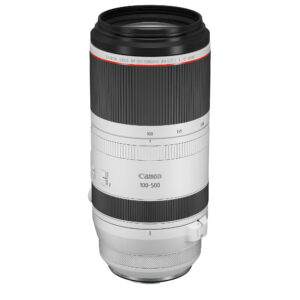
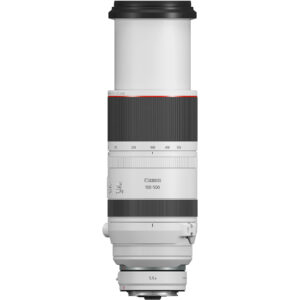
Objetivo Canon RF 100-500 mm f/4,5-7,1 L IS USM
El precio original era: $9.933.299.$8.327.599El precio actual es: $8.327.599.Bajo Pedido - Disponible para reserva - Llega en aproximadamente 15 a 20 días hábiles
Valor por transferencia (Precio en Rojo) - Débito/Crédito (6 cuotas s/interés): Precio tachado
6 Cuotas fijas de $1.762.675
3 Cuotas fijas de $3.220.005
Abonando en efectivo en nuestras oficinas te queda en $7.827.899 o USD5.263.
Valoraciones
No hay valoraciones aún.